
GSTR-2B Does Not Match Your Purchase Register? Here Is What Your Business Should Do
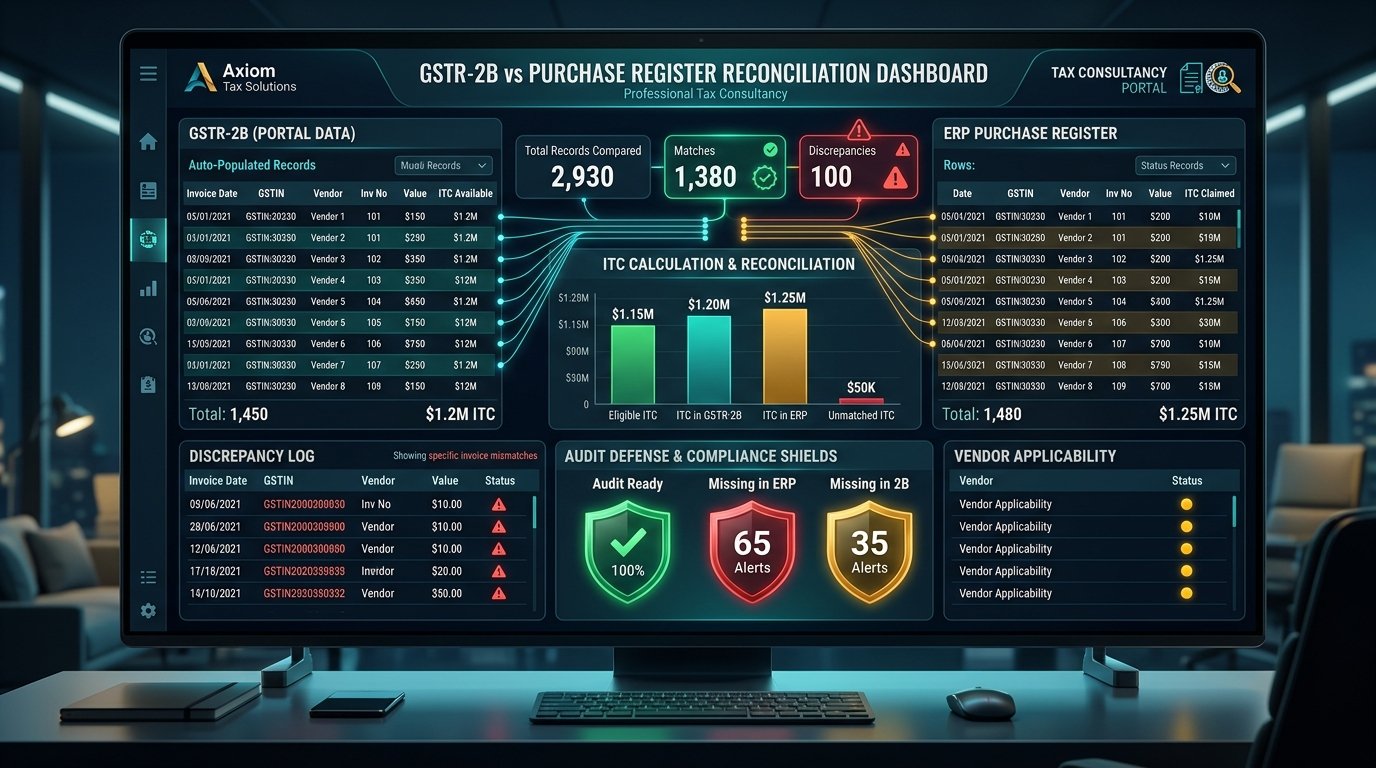
Your books show GST paid on a purchase. The supplier invoice is available. Payment may also have been made. But when the accounts team checks GSTR-2B, the invoice is missing. What should you do? The answer is not to simply claim every GST amount appearing in the purchase register, but to perform invoice-level reconciliation and maintain a systematic pending ITC tracker.
The Real Practical Crisis: GSTR-2B vs. Books Mismatch
Every month, finance teams encounter this scenario:
Your purchase register shows ₹1,50,000 in GST paid across vendor invoices. Valid tax invoices are in your possession, and payments have been processed through your bank account.
Yet, when you download your auto-populated GSTR-2B statement from the GST Portal, input tax credit is reflected at only ₹1,10,000. ₹40,000 worth of purchase tax is missing.
Can you still claim the full ₹1,50,000 in your GSTR-3B return?
Under current GST law, absolutely not.
The Legal Framework: Section 16(2)(aa) & Rule 36(4)
With the insertion of Section 16(2)(aa) into the CGST Act, the statutory mandate is unequivocal:
*No registered person shall be entitled to Input Tax Credit (ITC) in respect of any invoice or debit note unless the details of such invoice or debit note have been furnished by the supplier in their GSTR-1 / IFF and communicated to the recipient in Form GSTR-2B.*
If you claim ITC that does not appear in your GSTR-2B, the GST Portal automatically triggers automated scrutiny notices under Form DRC-01C (Rule 88D), demanding immediate tax payment with interest under Section 50 or formal legal justification.
Why Does Your Purchase Register Differ From GSTR-2B?
The most common root causes of mismatch include:
- Supplier Default: The supplier failed to file their GSTR-1 on or before the due date (11th or 13th of the following month);
- Incorrect GSTIN Entered: The supplier mistakenly reported your transaction under another buyer's GSTIN;
- Typographical Errors: Inaccurate invoice numbers, dates, or tax rate slabs uploaded by the vendor;
- Quarterly Filers (QRMP): The supplier is on the quarterly QRMP scheme and did not use the optional monthly Invoice Furnishing Facility (IFF);
- Invoice Reported in Subsequent Period: The vendor uploaded the invoice after the monthly GSTR-2B generation cut-off date (the 14th of the month);
- Credit Note Discrepancies: Credit notes issued by suppliers that were not recorded in your purchase books; and
- Duplicate Book Entries: Internal accounting errors where an invoice was recorded twice in your ERP.
Step-by-Step Resolution Process
#### Step 1: Download Complete Invoice-Level GSTR-2B
Never reconcile solely using summary dashboard totals. Download the detailed Excel or JSON file of GSTR-2B from the GST portal to inspect line-by-line B2B invoice tables.
#### Step 2: Export Clean Purchase Registers
Your accounting export must include:
- Invoice date and unique invoice number;
- Supplier legal name and 15-digit GSTIN;
- Taxable value;
- CGST, SGST, IGST, and total invoice value; and
- Payment status and ledger account.
#### Step 3: Match Transactions Across Five Categorical Buckets
Classify each entry into:
- Exact Match: Present in both records with identical GSTIN, invoice number, and tax values (eligible for immediate GSTR-3B claim);
- Missing in GSTR-2B: Recorded in books, but absent from GSTR-2B (cannot be claimed in the current month);
- Missing in Books: Appears in GSTR-2B, but not recorded in your purchase register (requires accounting verification);
- Value / Tax Mismatch: Invoice exists in both records, but taxable value or tax amounts differ (often due to rounding or disputed line items); and
- GSTIN Mismatch: Invoice recorded under the wrong state branch GSTIN.
Step 4: Establish a Pending ITC Tracker
Instead of simply setting aside unmatched invoices, maintain an active Pending ITC Tracker across monthly accounting cycles:
| Supplier Name | Invoice No. | GST Amount | Discrepancy Identified | Follow-Up Date | Current Status |
|---|---|---|---|---|---|
| ABC Infra Tech Pvt Ltd | INV-2026-215 | ₹18,400 | Not in GSTR-2B | 15-Oct-2026 | Supplier missed GSTR-1; will file in Oct |
| Delta Logistics LLP | DEL-8941 | ₹3,600 | Tax Value Mismatch | 16-Oct-2026 | Vendor correcting amended return |
| Apex Hardware Stores | APX-442 | ₹7,200 | Wrong GSTIN Entered | 18-Oct-2026 | Supplier issued credit note & re-filing |
Step 5: Follow Up With Suppliers Systematically
When notifying non-compliant suppliers, avoid vague emails saying *"Your GST is wrong"*. Instead, provide specific transaction details:
- Exact purchase order and invoice number;
- Invoice date and total amount;
- Tax breakdown (CGST/SGST/IGST); and
- The specific month's GSTR-1 in which the credit must be reflected.
Many modern enterprises introduce a contractual payment clause holding back 5% to 10% of vendor invoices until the credit is verified in GSTR-2B.
Do Not Rely Solely on Summary Tax Totals
Suppose:
- Total purchase register ITC = ₹2,00,000
- Total GSTR-2B ITC = ₹2,00,000
On the surface, the numbers balance. However, transactional analysis might reveal:
- A ₹25,000 invoice was omitted by Vendor A; while
- A ₹25,000 unexpected credit note was missed in your books.
Matching totals does not equal statutory compliance. The GST verification algorithm reconciles at the individual invoice level.
Frequently Asked Questions

Akash P R
Author & Business ConsultantBusiness Consultant at D BIZ CONSULTANCY
Business consultant and corporate advisor specializing in company incorporation, MCA/ROC statutory compliance, GST advisory, trademark protection, and cross-border structuring across Kerala and India.
Connect with Akash on LinkedInAkash P R
Business & Legal Consultant
D BIZ CONSULTANCY PVT. LTD.
Planning company incorporation, trademark filing, or tax compliance? Speak directly with our consultant:
Springs Tower, Edappazhanji / Paruthippara, Trivandrum.
Plus Code: GX39+M6 Thiruvananthapuram, Keralam
Koprambil Heights, Seaport-Airport Rd, Irumpanam, Thrippunithura, Kochi.
Other Strategic Guides
Private Limited Company Registration in India: 10 Common Mistakes That Can Delay Your Incorporation
7 min readCompliance & AuditCompany Registered – What Next? Essential Compliances During the First 180 Days
6 min readCompliance & AuditPrivate Limited Company Annual Compliance in India: A Practical Checklist for Business Owners
6 min readCompany Law & MCAStarting an Indian Company With a Foreign Shareholder: Incorporation, FEMA and FC-GPR Explained
7 min readLatest Regulatory Bulletins
Tax Audit Report Due Date Extended to 21 October 2026 and ITR to 21 November 2026 for AY 2026-27
28 SeptTax & GSTGSTN Introduces emSigner Version 3.3 for New Digital Signature Certificate (DSC) USB Tokens
27 SeptTrademarks & IPIP India Sets 30 September 2026 as Final Deadline for Mandatory e-KYC Compliance
26 SeptSpeak With Our Senior Business Consultants in Trivandrum & Kochi
D BIZ CONSULTANCY PVT. LTD. provides end-to-end company formation, ROC filings, GST accounting, trademark protection, and statutory compliance. Connect with us for personal advisory at our physical offices or 100% paperless digital onboarding.